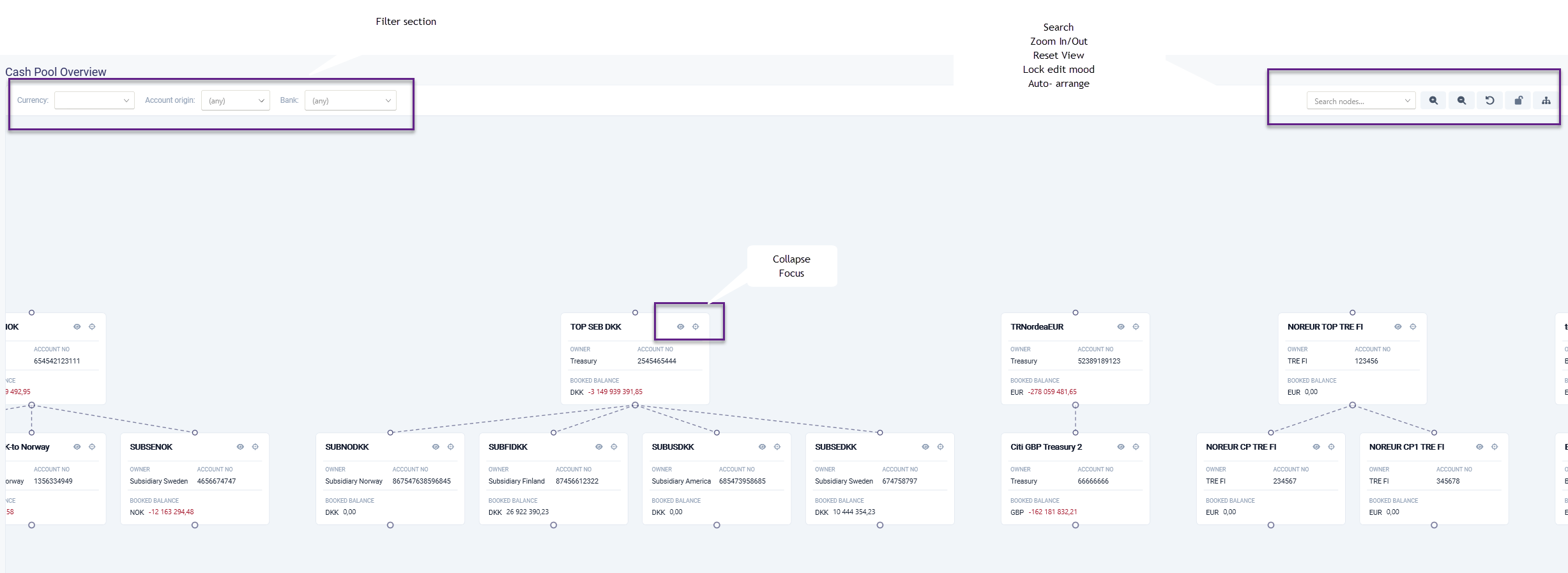
In this view the organizations cash pools are visualized.
It is possible to filter the view on Currency, Country and bank.
Permission needed to see the view is 'Read Accounts'. To update and make changes the permission 'Update Accounts' is needed
Keyboard shortcuts
Shift + double click - The entire pool is selected, and all the accounts are displayed in the detail view.
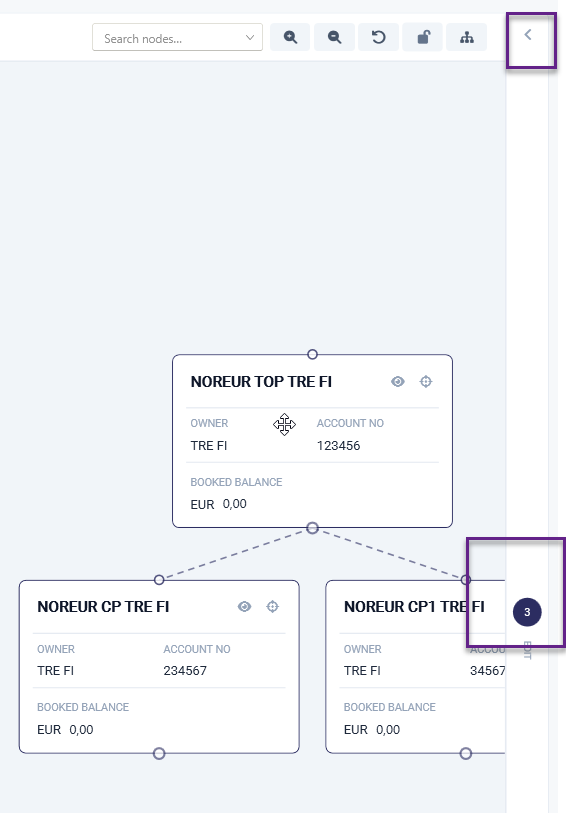
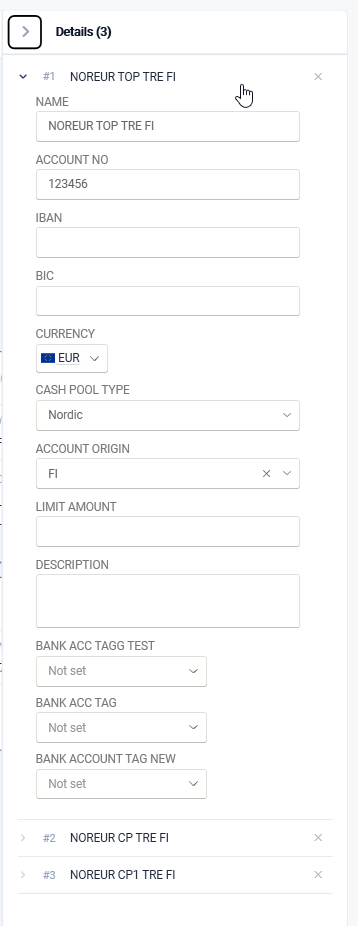
Keyboard shortcuts Shift + double click The entire pool is selected, and all the accounts are displayed in the Retail view.
Ctrl+ click - check/ uncheck (like Excel)
In the view it is possible to create new relations and remove
However, these changes do not affect the set in the master data
Was this article helpful?
That’s Great!
Thank you for your feedback
Sorry! We couldn't be helpful
Thank you for your feedback
Feedback sent
We appreciate your effort and will try to fix the article