In 'Favourites', you can 'personalize' a view (window) that you build up according to your needs. You can add any Widgets or Reports you use frequently.
Build, Save and Open your Favourites Page
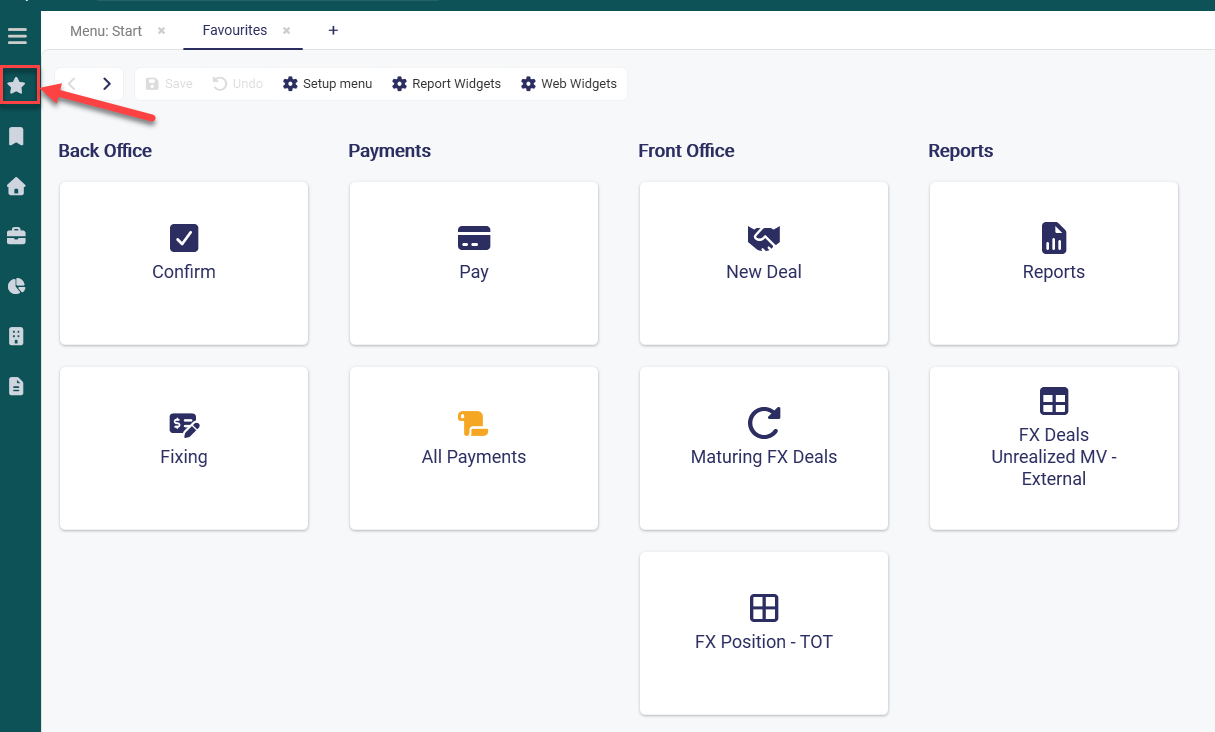
- Click on the Star Icon on the left tool bar.
You can add three different Widgets to the Favourite Page, these are added via the tre Icons in the top:
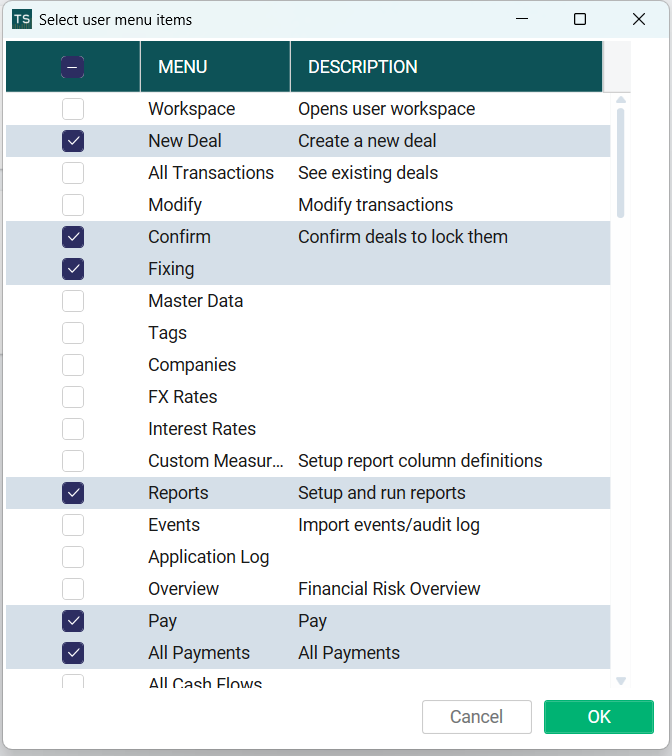
Setup menu:
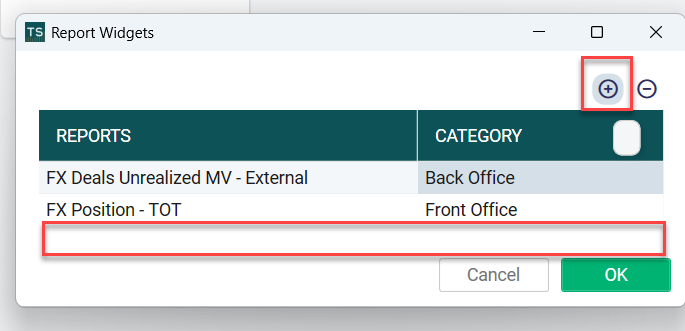
Report Widgets
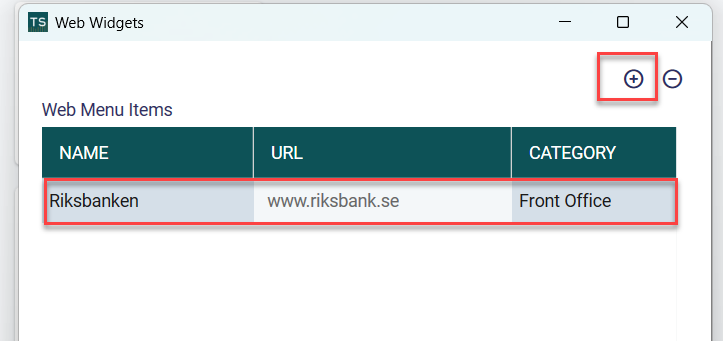
Web Widgets
- Select Save.
Result
[What the reader sees when it has worked, for example where the new item shows up. Add a screenshot if it helps.]