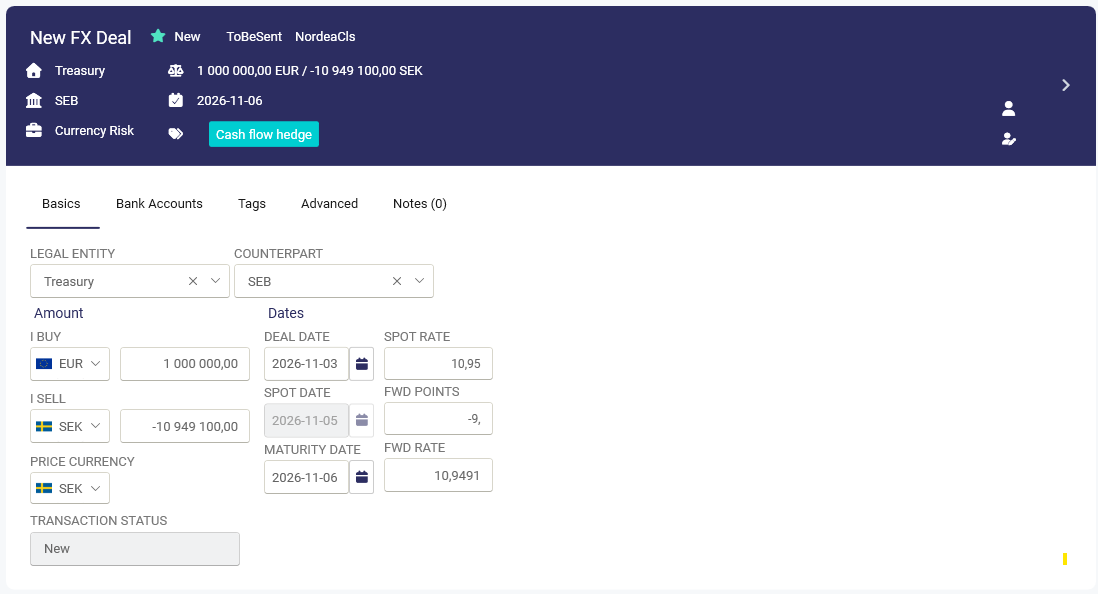
If a deal has been entered and send incorrectly to CLS and does not match with the counterpartys information. Follow the steps below to unlock, update and resend the cancellation and the correct deal information for matching.
Steps
To correct a deal sent for matching to CLS
- Open the deal
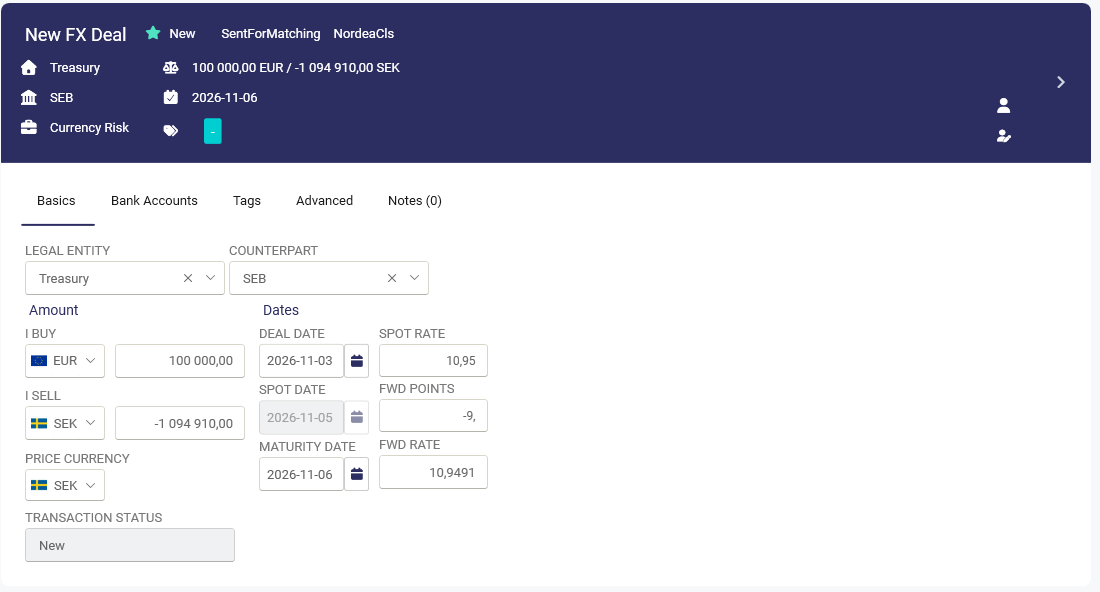
2. Click on icon 3 dots choose Change deal status
3. Type a reason and choose Cancel all deals.
The status of the cancelled deal will be ToBeSent NordeaCLS, until the Autopilot sends the cancellation; then the deal will be updated to Sent for matching NordeaCLS
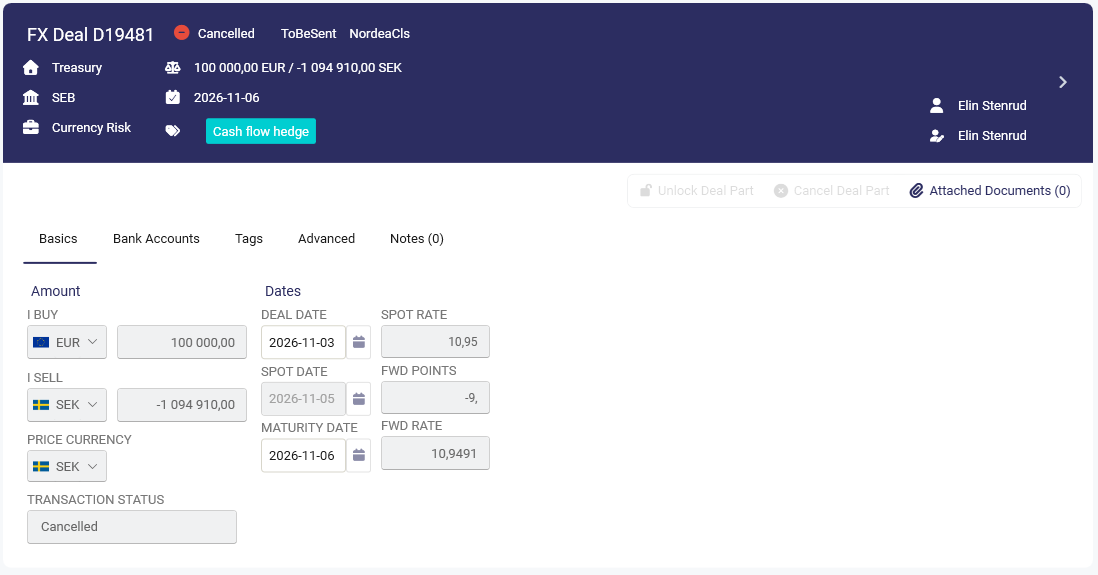
- Click Copy deal
- Make the relevant changes to the new deal and click Save.
The status will first be ToBeSent NordeaCLS until the Autopilot sends a new deal; then it will get the status Sent for Matching and Matched and Confirm, if everything is correct.